Free, open source, runs on your Mac

Hire a beaver to cut your reels

curl -fsSL https://birch.video/install | sh
or watch him work first
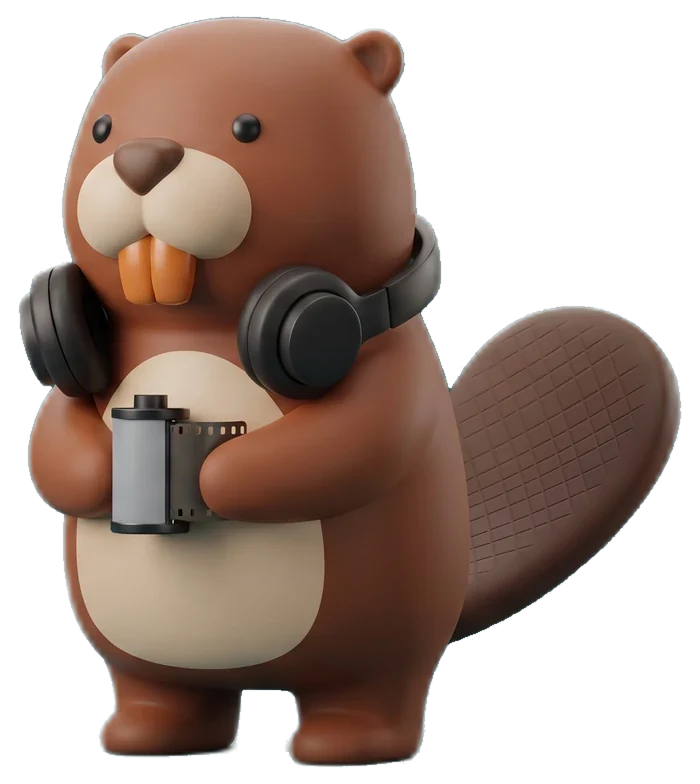
Birch, a toy beaver holding a roll of film
ums, gone −11.6s of dead air
0

uploads, it all stays on your Mac

$0

per minute of video

17

sound effects built in

9

formats to pick from

Birch biting through a strip of film
01 · Cut

Dead air goes first

He listens to how loud your room is first, so pauses come out even in a noisy café.

64.0sec
dead air removed0.0s
talkingdead aira line said three times
keep scrolling and he'll cut this example clip
Birch with a red pencil and a storyboard
02 · Plan

He reads the clip before he touches it

If a name is said or shown, the name card fills itself in. Cross out anything you don't want.

00:00.4Name card, from the intro he heard
00:06.2One big word on the punchline
00:12.0Confetti on every reaction
00:19.5Split screen while the product is on
00:27.0A second name card
00:33.8End card on the last line
03 · Look

Caption styles that already work on the feed

Measured frame by frame off reels people watch to the end.

we shot this in one take

Split screen

Something to show on top, you below, one line of words on the seam

seam at 50.9% height

LOUDER
turn it up a little

Big word

Quiet captions, then one huge word when you land the point

42px quiet · 138px loud
RESIDENT EDITORBIRCH

Name cards

A card when someone new shows up, gone before it gets in the way

under 3s on screen
this is where it starts

Clean captions

Just the words, for when the footage is already doing the work

52px, lower third
04 · Safe zones

Nothing lands under Instagram's buttons

Your words stay where the handle, buttons and caption can't cover them.

220pxtop, your handle
400pxbottom, caption and song
120pxright, action buttons
60pxleft, edge crop
Birch wearing headphones at a mixer
05 · Sound

Music that ducks when you talk

The music dips when you talk and comes back in the gaps. Tap a few sounds.

speechsoft piano and strings, no drums
streetmellow lo-fi with dusty drums
drivea steady synth pulse
06 · Get started

Wake him up

  1. Paste this in TerminalIt takes about a minute and adds a birch command.
  2. Finish setup in your browserStar the repo and follow along on GitHub, then Birch downloads ffmpeg, whisper and its speech model with one button each.
  3. Drop in a clipOr run birch cut talk.mov, or ask Claude to cut it for you.
curl -fsSL https://birch.video/install | sh

Needs macOS with Homebrew. Claude Code is optional and lets Birch read the clip and plan the edit on your own plan. Your clips never leave your Mac.

Read the code on GitHub

Birch asleep on a stack of film canisters